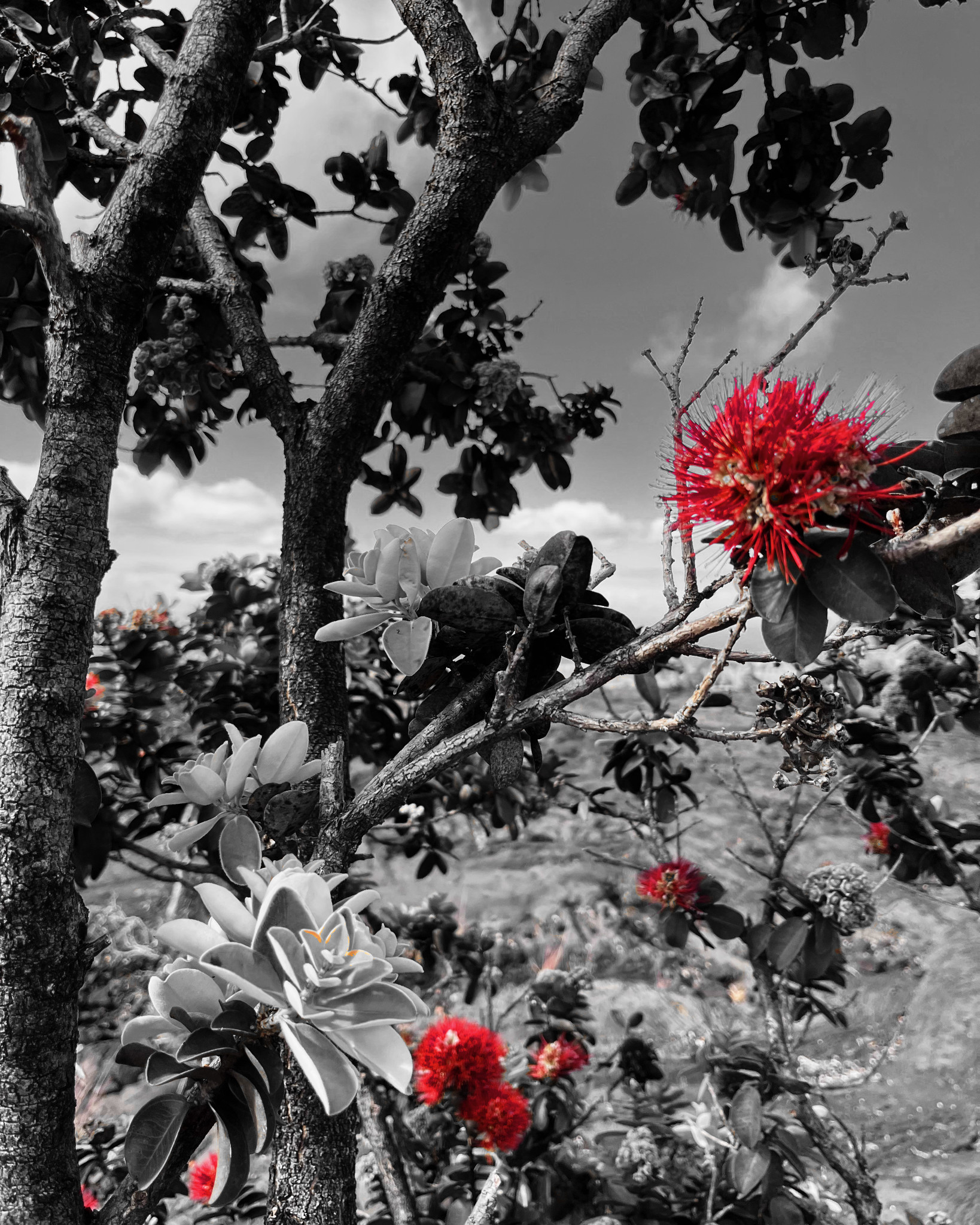
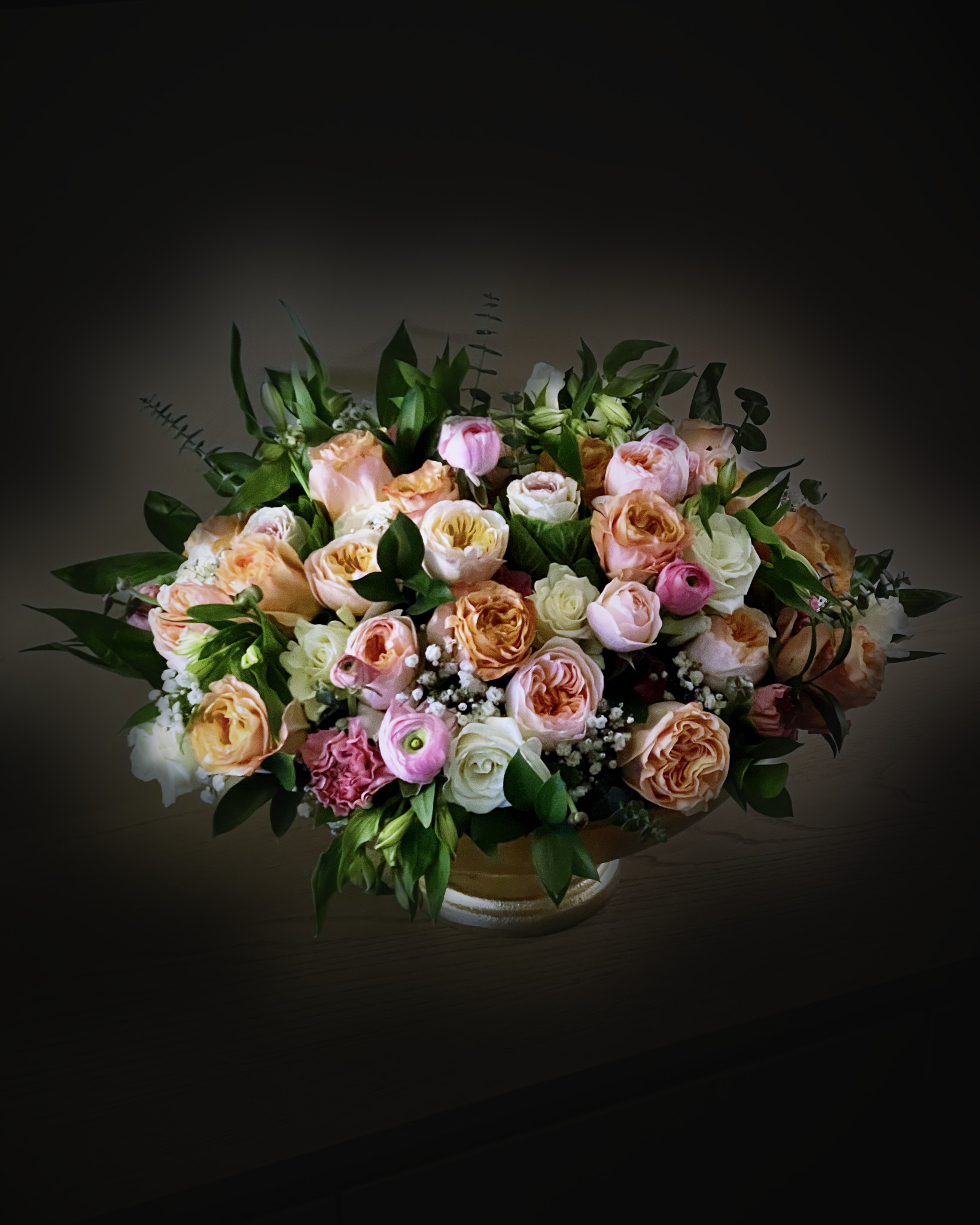
Living-room flowers as an old-master still life
Alex@Editmamei @editmamei
How it was made
- 1
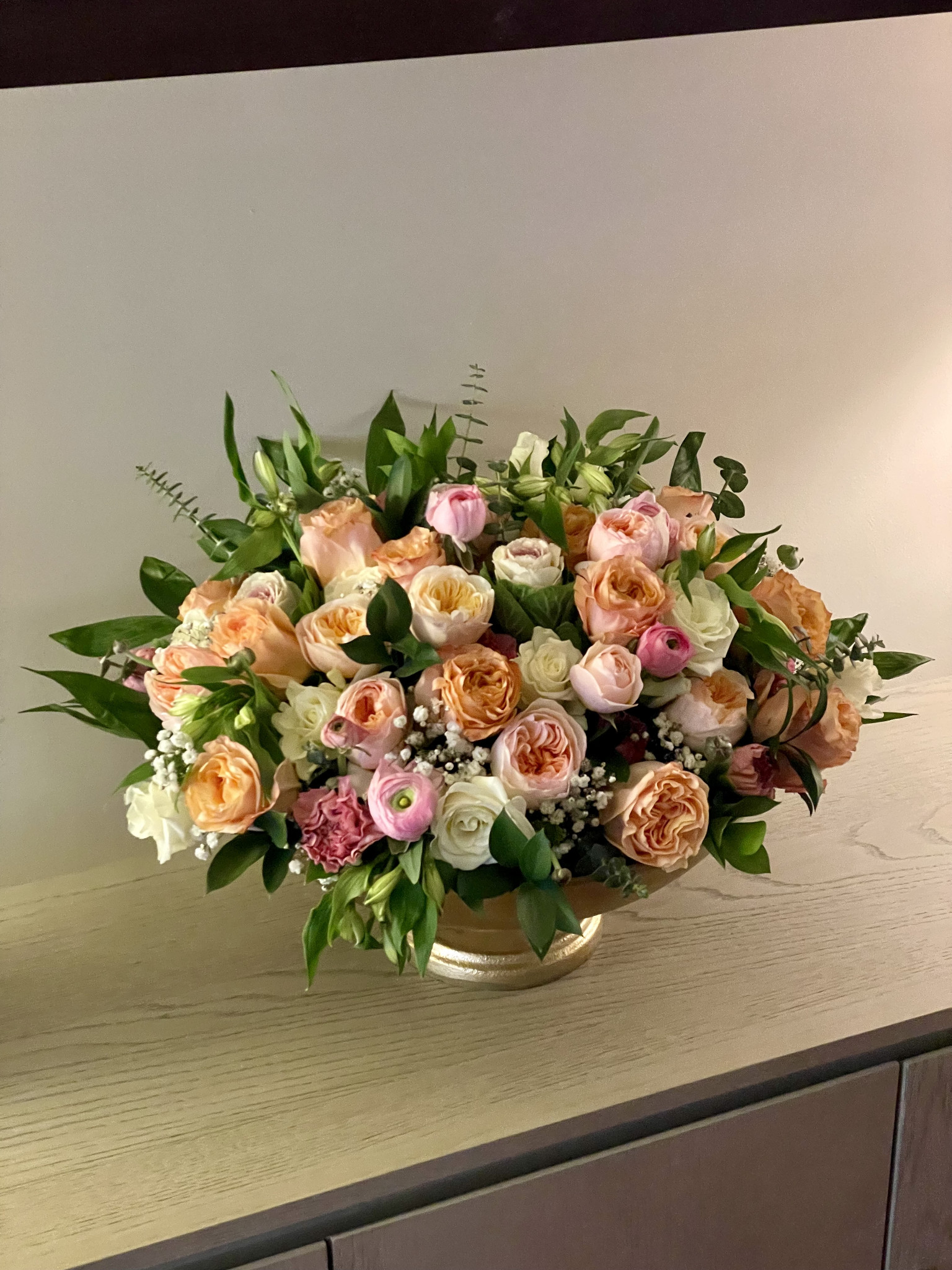
Found the bouquet
AI-selected the arrangement and vase, then cropped to a 4:5 portrait.
2 tool calls
Selected “subject” with AI· 26.1% of the photo
select_with_ai · target subjectCropped the photo· to 3024 x 3780
crop · height 3780 · left 0 · top 252 · width 3024
- 2
Built the old-master base
Darkened everything but the flowers, fixed the yellow indoor cast on the flowers only, added contrast and petal color, and an off-center vignette like window light.
7 tool calls
Refined the selection
modify_selection · channel Bouquet · op feather · output BouquetSoft · px 4Refined the selection
modify_selection · channel BouquetSoft · op invert · output BackdropAdjusted the color and light· Old-master dark
add_adjustment · gamma 0.8 · mask Backdrop · out high 34 · type levelsAdjusted the color and light· Neutral flowers
add_adjustment · from kelvin 6500 · mask BouquetSoft · to kelvin 5100 · type color_temperatureAdjusted the color and light· Flower contrast
add_adjustment · mask BouquetSoft · points 5 points · type curvesAdjusted the color and light· Petal color
add_adjustment · mask BouquetSoft · type vibrance · vibrance 22Added an effect· Window light
add_effect · center x 0.42 · center y 0.45 · gamma 1.6 · radius 1.45 · softness 1 · type vignette
- 3
Fixed the mask edge
The AI mask left wall patches around the leaves. Tightening didn't fix it, so the shadow was pulled into the arrangement with a wide, soft edge.
10 tool calls
Refined the selection
modify_selection · channel Bouquet · op contract · output BouquetTight · px 7Refined the selection
modify_selection · channel BouquetTight · op feather · px 3Refined the selection
modify_selection · channel BouquetTight · op invert · output Backdrop2Removed an adjustment
manage_filters · op deleteAdjusted the color and light· Old-master dark
add_adjustment · gamma 0.8 · mask Backdrop2 · out high 34 · type levelsRefined the selection
modify_selection · channel Bouquet · op contract · output Core · px 60Refined the selection
modify_selection · channel Core · op feather · px 45Refined the selection
modify_selection · channel Core · op invert · output Backdrop3Removed an adjustment
manage_filters · op deleteAdjusted the color and light· Old-master dark
add_adjustment · gamma 0.8 · mask Backdrop3 · out high 30 · type levels
- 4
Cleaned the whites
A small magenta nudge in the petal highlights so the white roses read warm cream, not green.
1 tool call
Adjusted the color and light· Petal tint
add_adjustment · magenta green -6 · mask BouquetSoft · range highlights · type color_balance
- 5
Two layers of darkness
A gentle dim close to the bouquet and a strong fade further out, so the leaves came back without losing the dark frame.
4 tool calls
Refined the selection
modify_selection · channel Bouquet · op expand · output Halo · px 120Refined the selection
modify_selection · channel Halo · op feather · px 260Refined the selection
modify_selection · channel Halo · op invert · output FarAdjusted the color and light· Far fade
add_adjustment · gamma 0.8 · mask Far · out high 60 · out low 8 · type levels
- 6
More table, softer light
A tabletop selection hollowed out under the vase and was dropped. A wider, softer light pool brought the cabinet top's wood grain back instead.
9 tool calls
Selected “object” with AI· 30.0% of the photo
select_with_ai · box 0,1900,3024,3300 · target objectRefined the selection
modify_selection · channel Table · op contract · output TableCore · px 150Refined the selection
modify_selection · channel Bouquet · op expand · output Halo2 · px 150Refined the selection
modify_selection · channel TableCore · op contract · px 120Refined the selection
modify_selection · channel Halo2 · op feather · px 450Refined the selection
modify_selection · channel TableCore · op feather · px 350Refined the selection
modify_selection · channel Halo2 · op invert · output Far2Removed an adjustment
manage_filters · op deleteAdjusted the color and light· Far fade
add_adjustment · gamma 0.8 · mask Far2 · out high 55 · out low 8 · type levels
33 steps in one conversation with Claude.