← Gallery 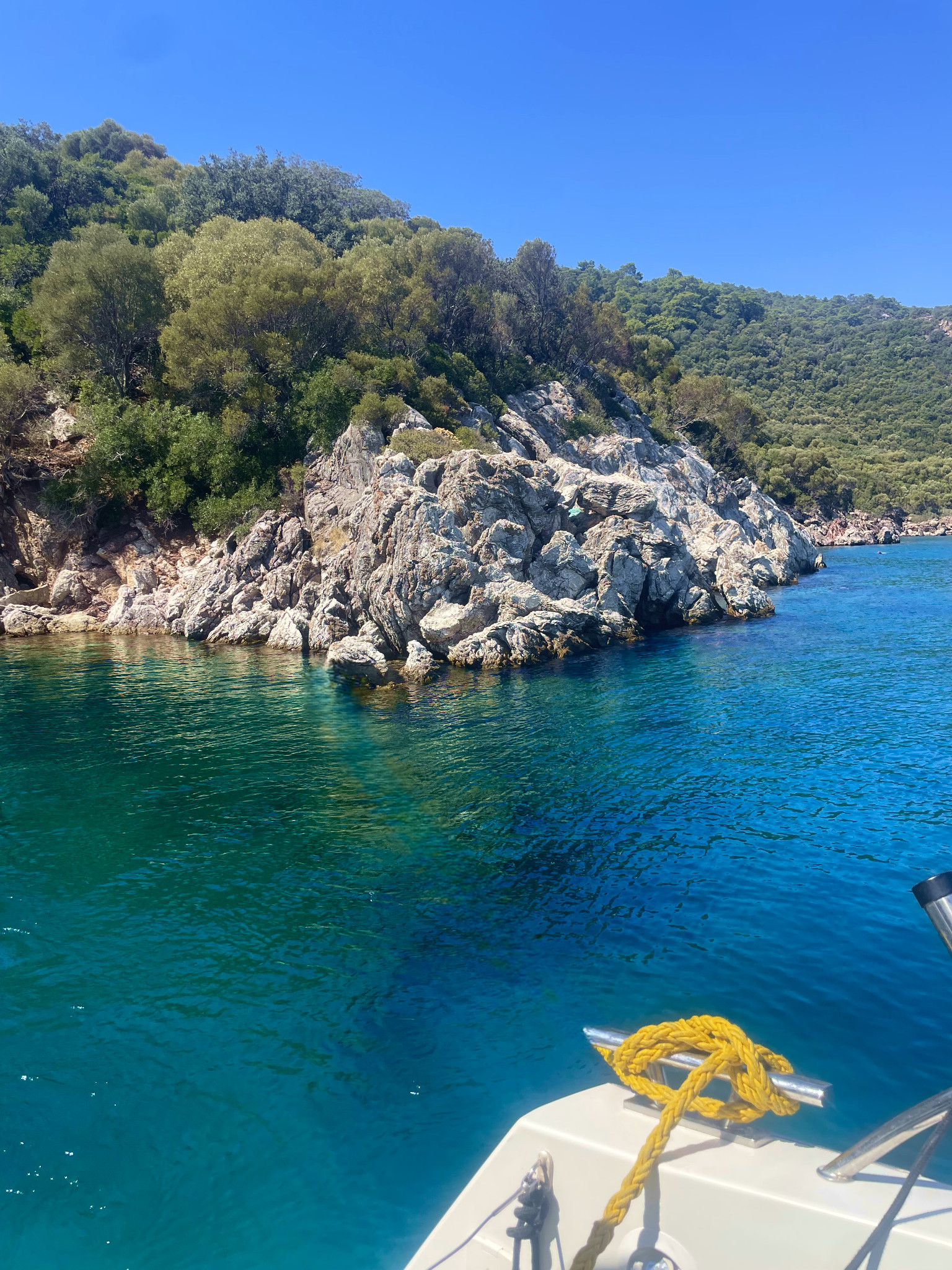
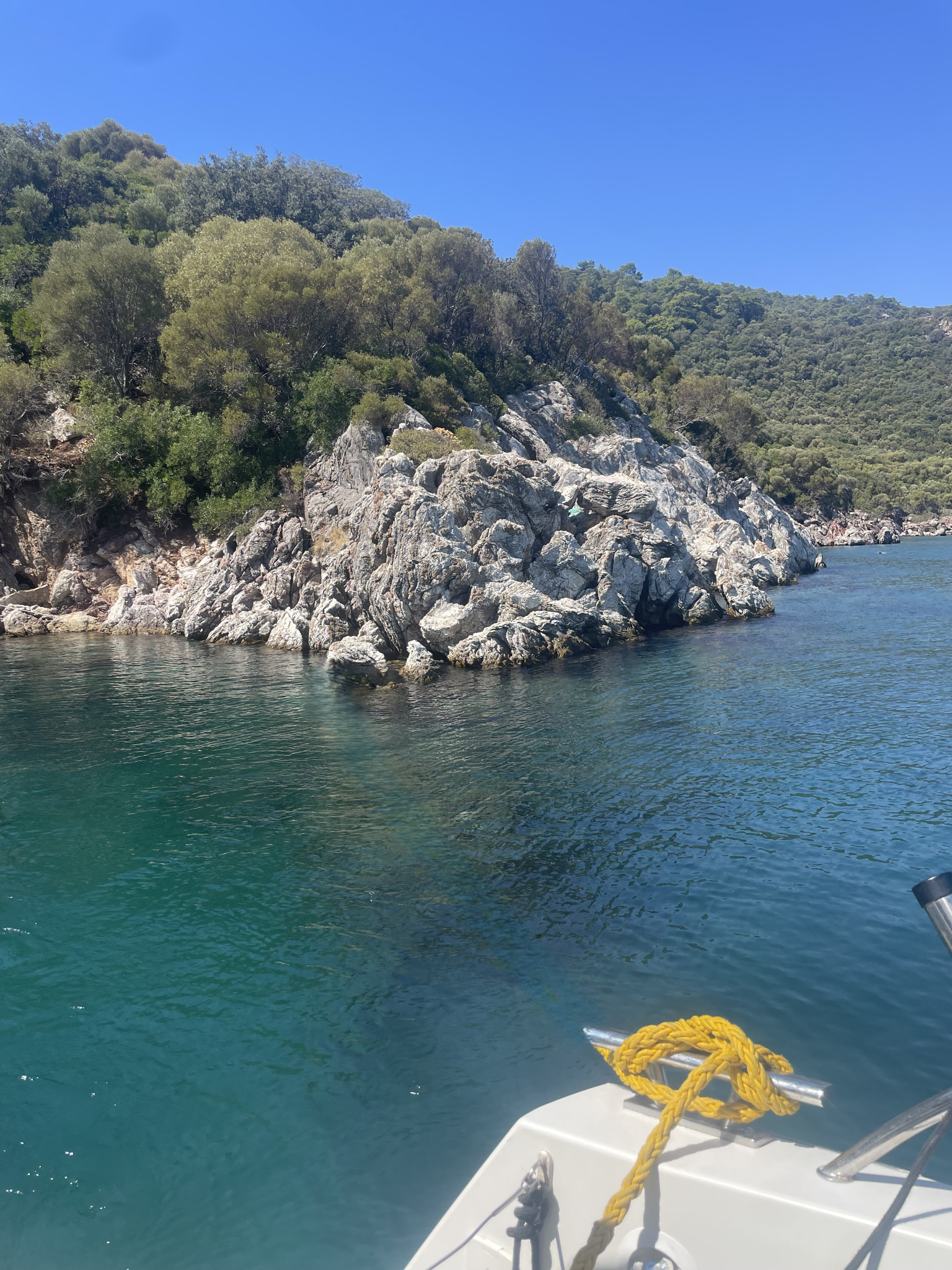
Turquoise Coast
Alex@Editmamei
After
Before
Drag to compare
How it was made
- 1
Selected “object” with AI
0.3% of the photo
- 2
Removed an object
- 3
Refined the selection
- 4
Worked on the layers
- 5
Removed an object
- 6
Worked on the layers
- 7
Refined the selection
- 8
Adjusted the color and light
Path red
- 9
Adjusted the color and light
Path blue
- 10
Merged the adjustments into the photo
- 11
Removed an object
- 12
Worked on the layers
- 13
Selected “object” with AI
42.4% of the photo
- 14
Adjusted the color and light
Global depth
- 15
Adjusted the color and light
Water contrast
- 16
Adjusted the color and light
Water vibrance
- 17
Adjusted the color and light
Global vibrance
17 steps in one conversation with Claude.