Skip to content

Editmamei Desktop

Your AI, working in your Photoshop.

Tell your AI what you want. It makes the edit in Photoshop on your computer, in layers and masks you can keep working on, and checks the result before it hands it back.

Photoshop 2026 or GIMP 3.2 · Windows, macOS, and Linux with GIMP · Claude Desktop, Claude Code, Cursor and more

A real session in Claude Desktop and Photoshop: about 8 minutes of work, sped up. Frames where Photoshop zoomed in to check the horizon are left out.

Editmamei Desktop is an MCP server: it lets AI apps such as Claude Desktop, Claude Code and Cursor edit photos in Adobe Photoshop or GIMP on your computer. Free, with Pro for whole shoots.

How it works

Your photo stays on your computer.

Editmamei connects your AI app to the editor on your own machine. Your AI decides each step, Editmamei carries it out in Photoshop or GIMP, and a small preview comes back so your AI can see what changed.

Your computer
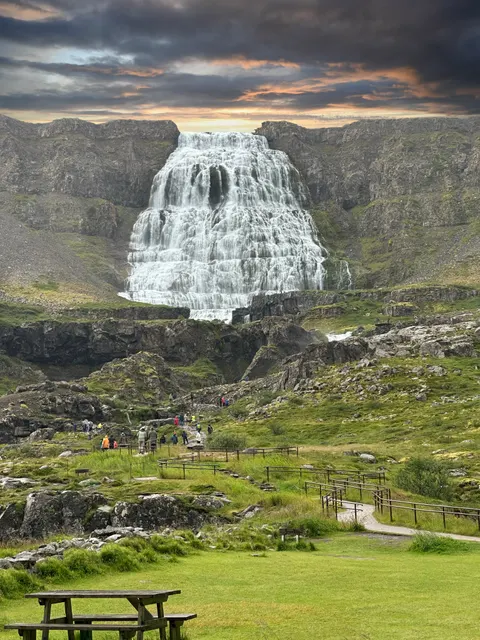
A waterfall, open in the editor
Photoshop or GIMP
Your full-size photo stays here, and the edit happens here
Layers, masks, filters
Editmamei
Runs each step with the editor's own tools
Tool calls and small previews
Your AI app
Claude Desktop, Claude Code, Cursor and others
Your request and small previews
The AI model
In the cloud, as with any chat

Stays on your computer Goes to the AI model

The edit happens on your computer.

Photoshop or GIMP does every step, on the full-size photo, with its own tools. Nothing is redrawn.

Your AI sees small previews.

So it can check its own work, the same as dropping a photo into a chat. You can switch previews off in Editmamei's settings.

Your photos never come to us.

Editmamei never sends us your photos or previews. It sends content-free usage data, which you can turn off, checks for updates, and with Pro checks its license and asks us for Pro module updates.

Every request is listed on the privacy page.

What you can ask for

Say what you want. Say where it's going.

Three real requests, each in a fresh chat, each with the result it got. You describe the photo you want; your AI works out the steps.

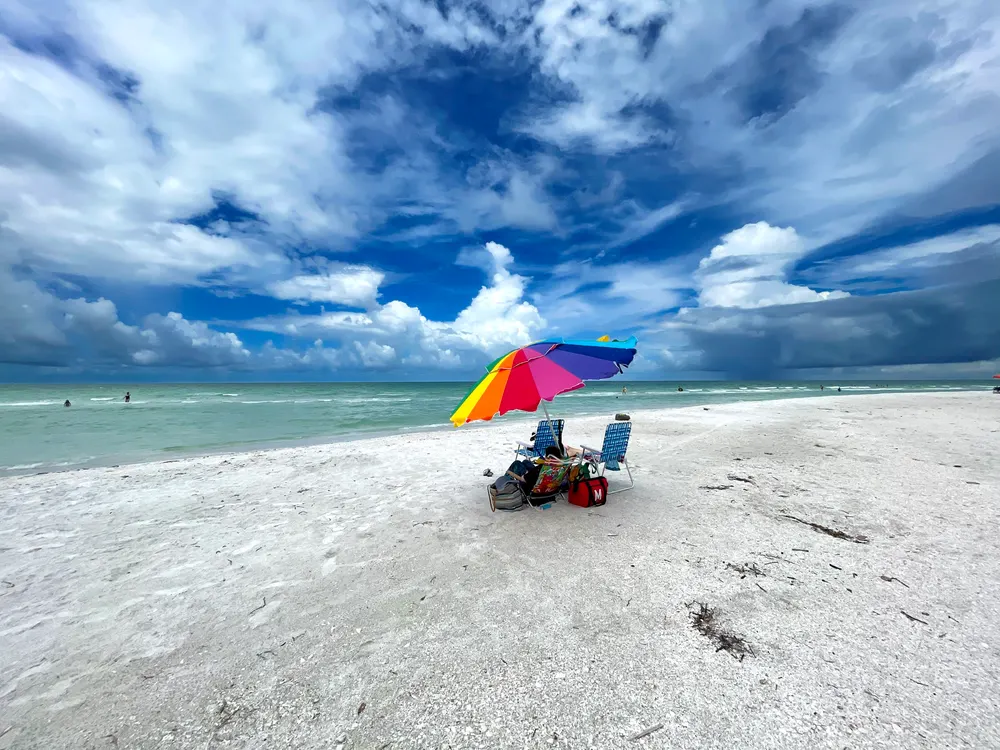
A beach with a rainbow umbrella under a deep blue sky, after the edit

“Give this beach photo a bright, airy summer-afternoon look. Lift the shadows on the sand so it reads clean and white, deepen the blue in the sky while keeping the clouds bright, and let the umbrella's colors pop without looking fake.”

A real session in Photoshop, about 6 minutes.
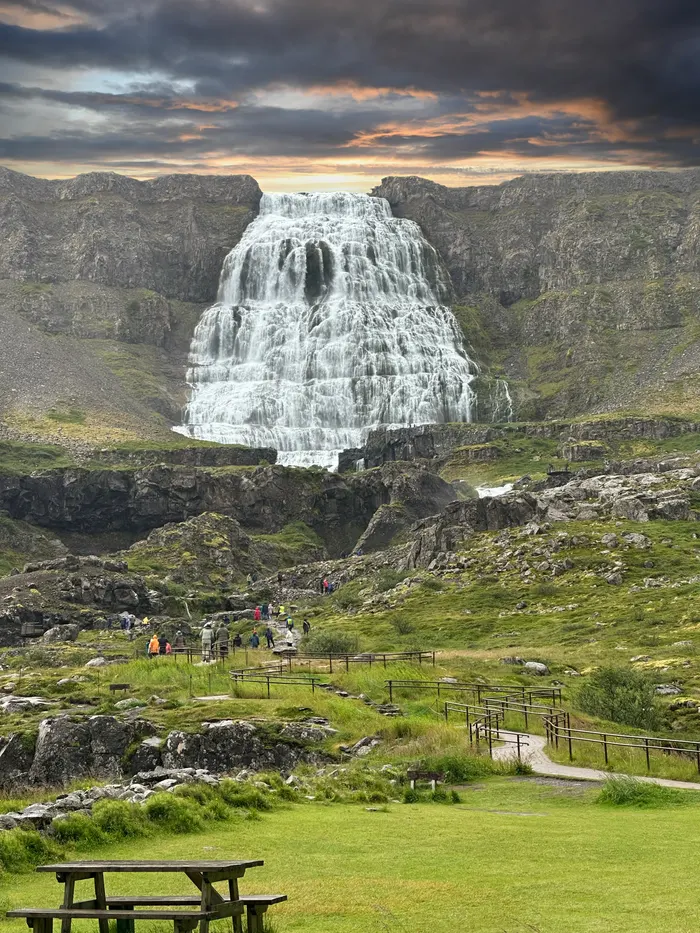
A waterfall under a sunset sky, after the edit

“Replace the sky with one of Photoshop's sunset skies. Keep the waterfall, the cliffs and the spray exactly as they are, warm the foreground a little so the light matches the new sky, then check the horizon at full size for halos or leftover patches of the old sky and fix them before you call it done.”

A real session in Photoshop, about 8 minutes.

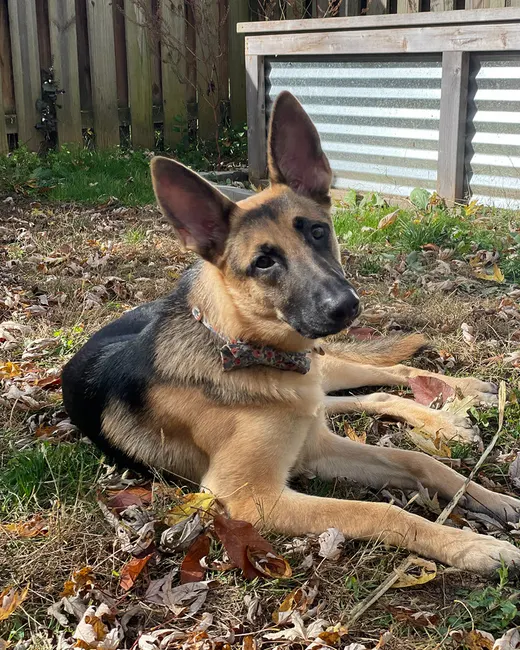
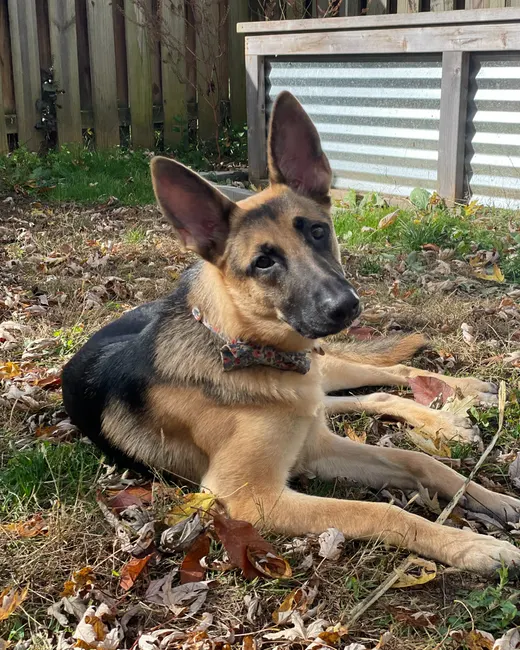
A puppy lying in autumn leaves, cropped for Post
Post
A puppy lying in autumn leaves, cropped for Story
Story
A puppy lying in autumn leaves, cropped for 8×10 print
8×10 print

“Get this ready for three places: an Instagram post, an Instagram story with room at the top and bottom for text, and an 8x10 print for a frame. Keep the puppy's face and both ears in frame in all three.”

A real session in Photoshop, about 4 minutes.

The file you get back

One photo, eight layers. Every one still editable.

Your AI builds the edit the way a retoucher would: adjustment layers and masks, stacked on your untouched original. Open the file and change any of it by hand, or ask for a different take on one step.

The sailing photo with 8 of 8 layers on 8 of 8 layers
Vignette. A soft darkening at the edges that draws the eye to the boat.
Layers Tap one to see the photo up to it

The request: “give this shot a full work-up. analyze what could be improved, research the expert processes if you need to, then implement” A real session in Photoshop, on an iPhone photo.

What you need

Three things, and a little patience.

1 · An editor

Photoshop 2026 on Windows or macOS. Or GIMP 3.2, which is free and also runs on Linux.

2 · An AI app on your computer

Claude Desktop installs it in one click. Claude Code, Cursor and other apps that support MCP, the standard way AI apps plug into other software, work too. Editmamei brings no chat model of its own, so edits use your AI app's plan.

3 · A few minutes

A first edit takes a while: the three requests above took 4 to 8 minutes, because your AI looks, plans and checks at every step. With Pro, a look you've saved goes onto the next photo in a few steps.

Curious what an edit costs in usage? We measured it.

Free and Pro

Free for the edit. Pro for the whole shoot.

Free

$0

62 Photoshop tools and 29 for GIMP: adjustment layers, masks, selections, Select Subject and Select Sky, sky replacement, retouching, filters and text. Enough for a full edit of any photo.

Install free

Pro

$9/month, $79/year, or $199 once

Everything in Free, for when one photo turns into a whole shoot.

  • Templates

    Save a look once, then put it on the next photo.

  • Batch

    The same crop, resize and export across a whole folder, run by Photoshop itself.

  • Camera Raw

    A re-editable develop, and raw files developed before they open.

  • Precision

    Placement by name, warps, and selections of a named object or a face.

See Pro, with a 7-day trial

See every tool, with what each one does

Using GIMP

No Photoshop? GIMP works too.

Editmamei runs GIMP 3.2 in the background, with no window and nothing installed into GIMP. You follow the edit through previews in the chat, then open the saved .xcf in GIMP with every adjustment still live. 29 tools, free, on Windows, macOS and Linux.

Live filters, in a real .xcf

Adjustments and effects go on as GIMP’s own non-destructive filters. The AI can re-edit or remove any of them, and they are still live when you open the file in GIMP.

Previews instead of a window

With no GIMP window to watch, your AI shows rendered previews in the chat and checks its work with histograms and before/after comparisons.

Checkpoints instead of undo

With no GIMP window open there is no undo history, so a checkpoint saves the image with its live filters and restores it later. Save an .xcf for anything you want to keep.

Set it up

  1. 1 Install GIMP 3.2 from gimp.org, or on Linux from your distribution or the Flathub Flatpak.
  2. 2 Install Editmamei with the steps below. It's the same install for both editors; on Linux, use npm.
  3. 3 Restart your AI app and ask “Is GIMP ready?” The first start can take a few minutes while GIMP builds its font cache; after that it starts in seconds.

GIMP somewhere unusual? Point Editmamei at it. Have both editors and want GIMP only? Pin the editor. Everything else is in the GIMP guide.

Not in GIMP yet

  • Healing, cloning and content-aware retouching.
  • AI selection of a subject, sky or object. Selections are geometric, color-based or gradients.
  • Step-by-step undo. Checkpoints take its place.
  • Raw camera files without a raw plug-in in GIMP (darktable, RawTherapee or ART).

Install

Install in about a minute.

One click for Claude Desktop. For Claude Code, Cursor and other AI apps, two commands in a terminal (they need Node.js).

Requirements

  • Adobe Photoshop 2026, internal version 27.x (earlier versions unverified), or GIMP 3.2
  • Windows 10/11 or macOS 13+ (Apple Silicon or Intel). With GIMP it also runs on Linux, through npm.
  • Node.js 22+, only for the npm route (Claude Desktop bundles its own)
  • An AI app that supports MCP. Editmamei has no AI of its own, so edits count against that app's plan (see what an edit costs)

AI apps

  • Claude Desktop: one click (.mcpb)
  • Claude Code: npm
  • Cursor: npm

Other MCP apps use the same setup; the install guide has it.

Full setup walkthrough in the Getting Started guide.

Downloading editmamei.mcpb

Want to hear about new releases?

New releases and new posts. Nothing else, and you can leave whenever you want.

Confirmed opt-in, one click to unsubscribe.

Not yet

What it doesn't do.

  • Lightroom

    Editmamei works in Photoshop and in GIMP. It does not drive Lightroom.

  • Photoshop Elements

    Elements does not expose the scripting interface that full Photoshop does, so Editmamei cannot drive it.

  • Camera Raw’s local masks

    The AI sets Camera Raw’s develop sliders, but cannot draw its local masks. When it develops a raw file, masks you made by hand in Camera Raw are carried through untouched.

  • Developing HEIC before it opens

    HEIC photos open and edit as usual. Photoshop opens them by a route that never reads Camera Raw’s settings file, so a develop-before-open request for a HEIC is refused.

More answers are in the FAQ.