
Give your AI a real photo editor.
Ask a typical AI app to edit your photo and it redraws it. With Editmamei, your AI edits the real one, using professional editing tools.
Works with Claude, ChatGPT, Cursor and other AI apps.


A real session in Photoshop, with Pro for Camera Raw. Photo: Signature Edits.
Editmamei is an MCP server for Adobe Photoshop and GIMP, and a hosted MCP connector, so AI apps can edit photos with professional tools.
The difference
Your photo, edited. Not redrawn.
We gave ChatGPT this photo with a detailed request to edit it like a retoucher and change nothing else. In its default mode it painted a new picture: a new sky, garbled lettering, different faces, at half the size.
Editmamei did the edit in Photoshop, in layers you can keep working on.
- The same photo, at full resolution
- Every step visible and changeable
- Nothing added unless you ask for it
Compare your photo with
Desktop · edited in Photoshop, in layers
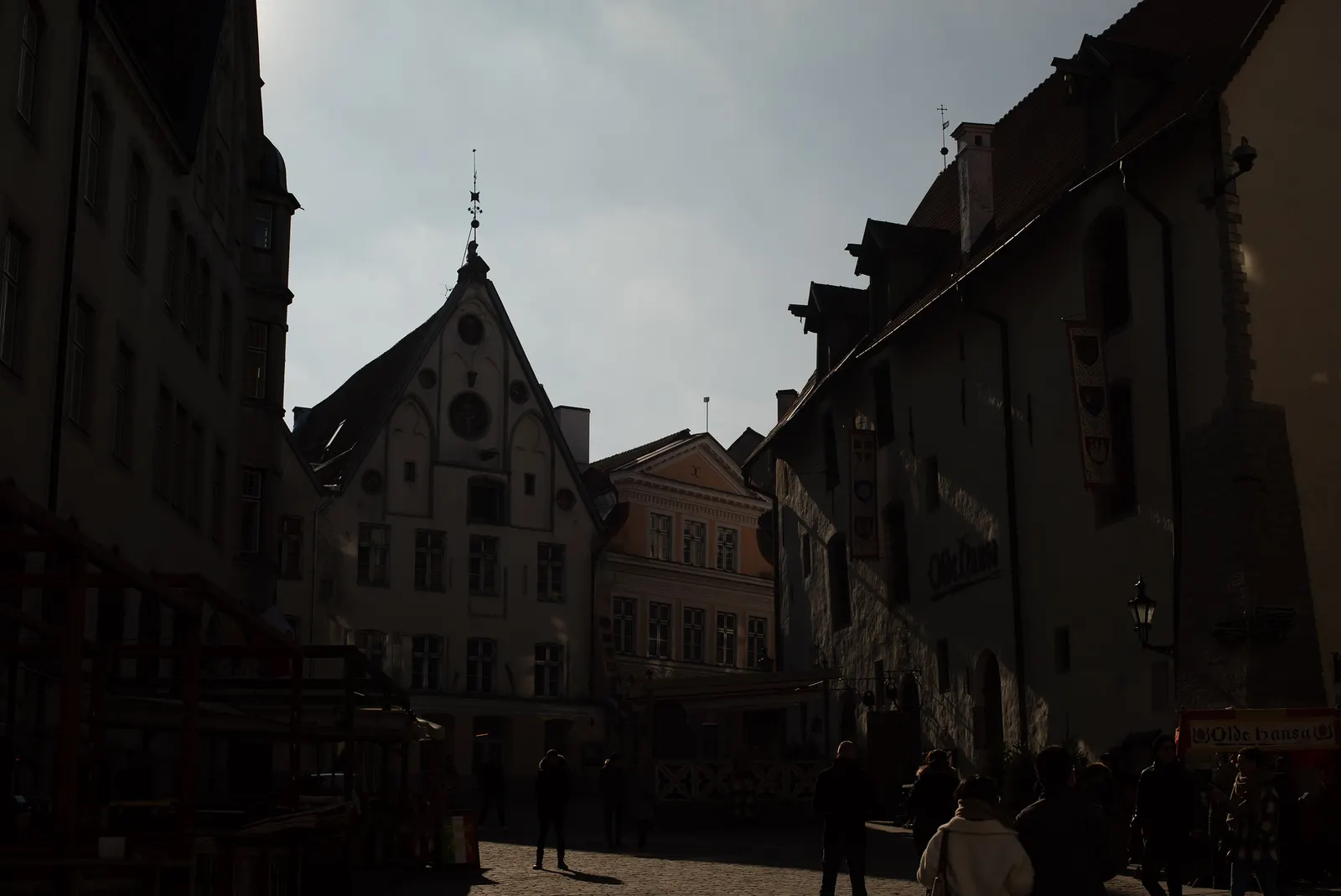
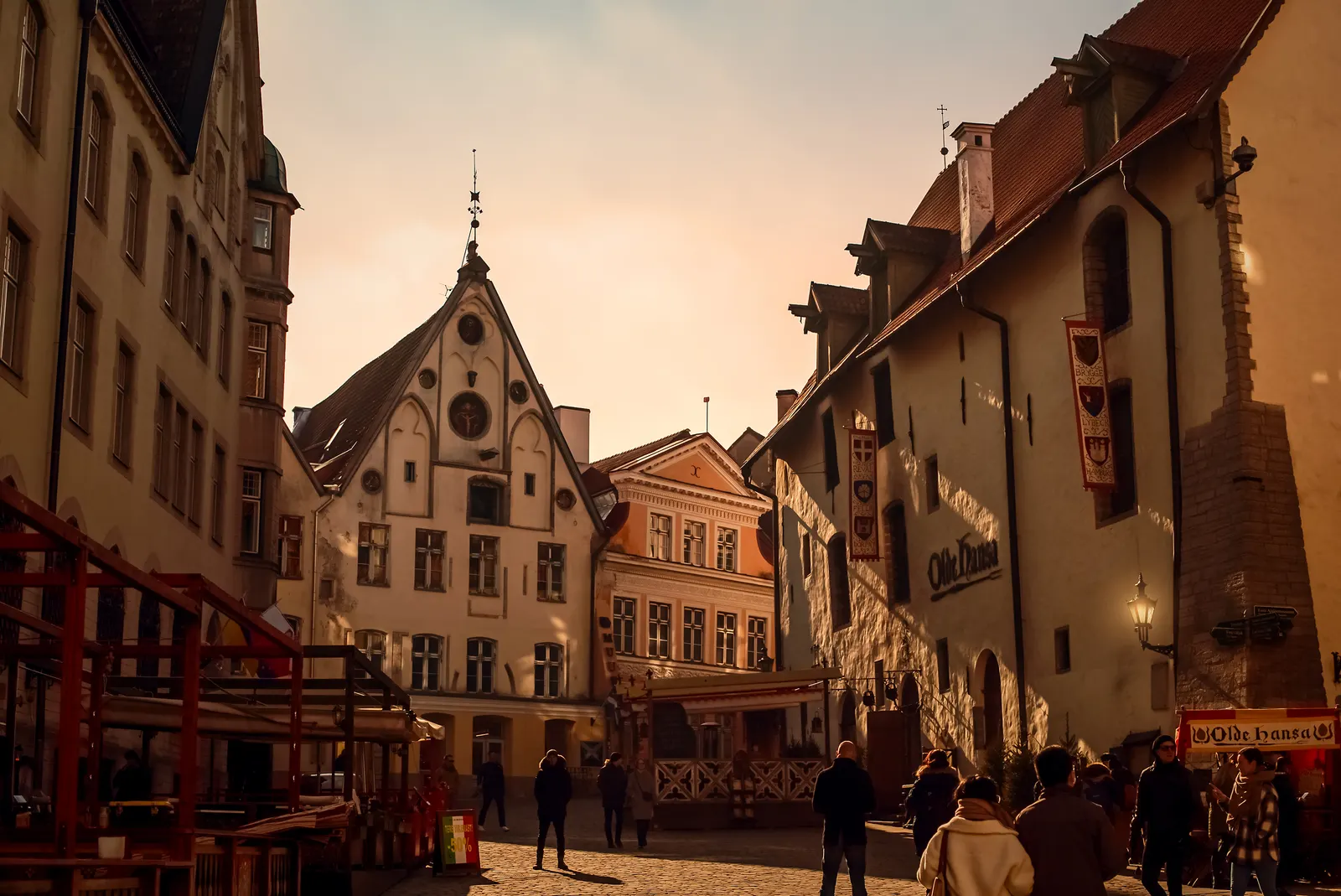
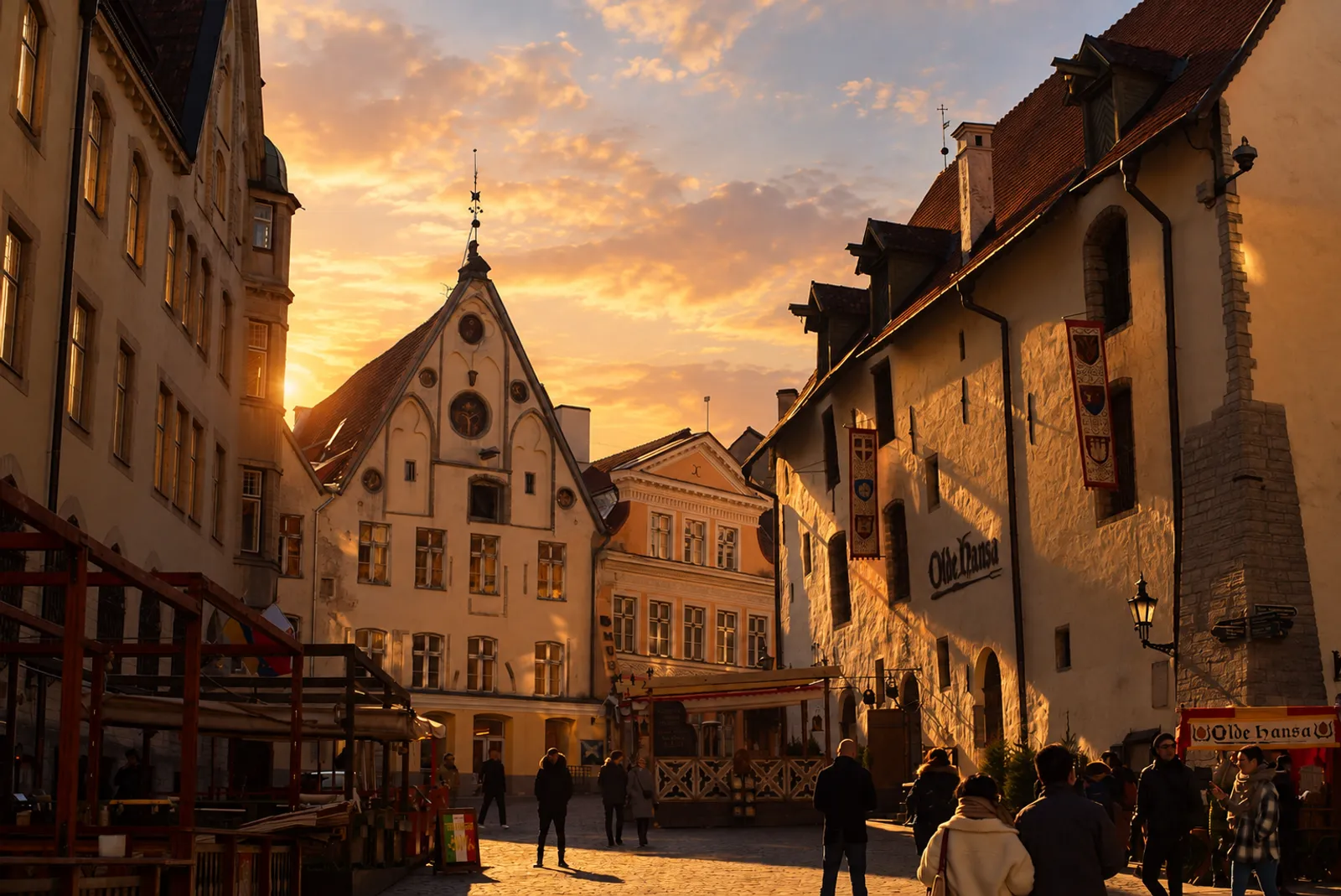
Look closer
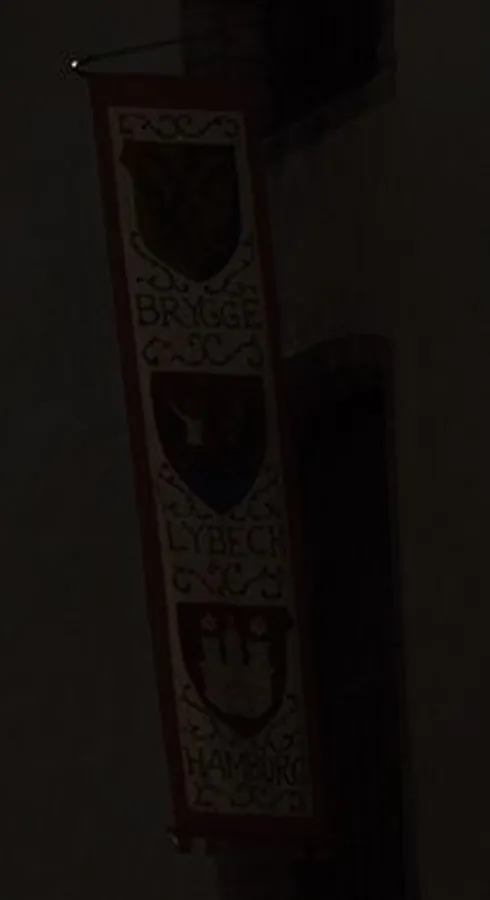 Original
 Editmamei
 was asked: “Make this street look like golden hour.”
ChatGPT was asked to edit it like a retoucher and keep everything the same. Read the full prompt
“Edit this exact photo. Do not generate a new image or recreate the scene. Treat it the way a professional retoucher would in Photoshop: only adjust light and color, as if using adjustment layers (Curves, Color Balance, Hue/Saturation) on top of the original pixels. Make it look like golden hour: warm, low sunlight raking across the building fronts; warmer highlights and midtones, gently lifted shadows; a soft warm glow in the sky. Keep everything else identical to the original: the same framing, crop and aspect ratio; every building, window, roof line and the church spire exactly where they are; every sign and its text, unchanged and readable; every person exactly as they are: same faces, clothes, poses and positions; do not add, remove, move or reshape anything. Return the edited photo at the same size as the original (3000 × 2004).”
ChatGPT's result is its first try, captured October 22, 2026. Photo: Signature Edits.
One conversation
Ask, look, ask again.
Four short requests turned a night photo into a poster. You see each one land, and you can steer the next one from there.
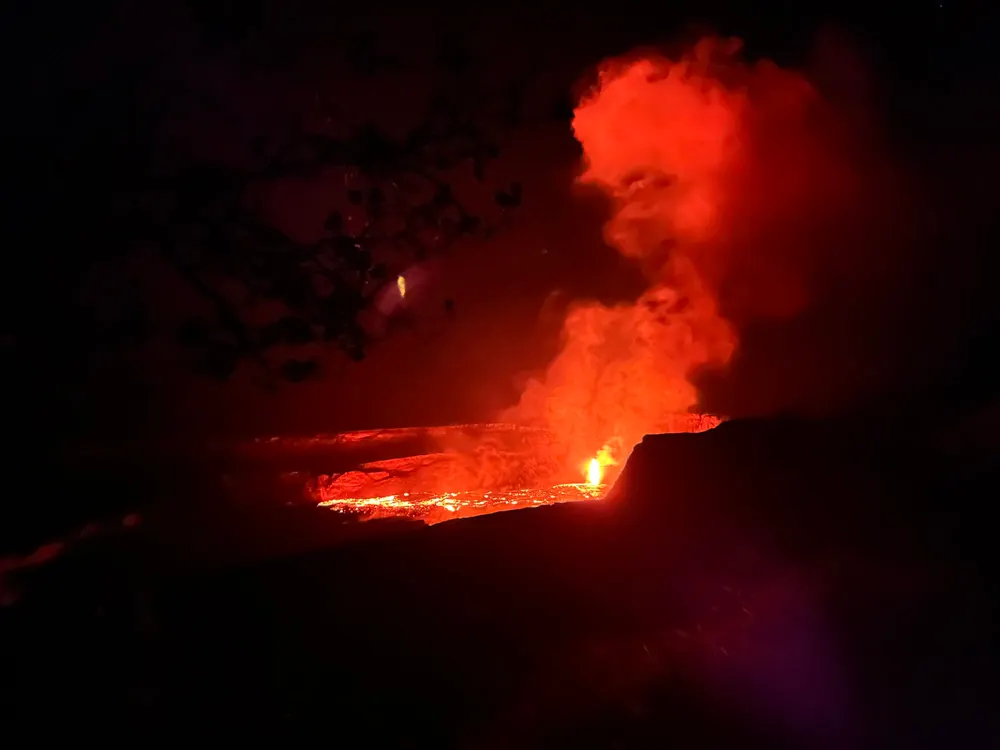
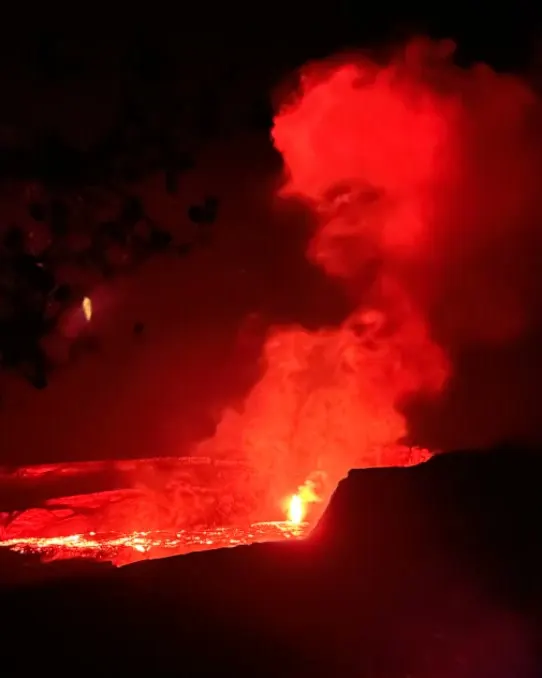


 Original
A night shot of the lava lake, as shot. Watch it become a poster.
A real session in Photoshop: four prompts in one chat, the result of each exported as it landed.
Range
Any photo. Any look.
Grades, styles and product shots, each from one request. Hover a photo to see where it started. Tap a photo to see where it started.
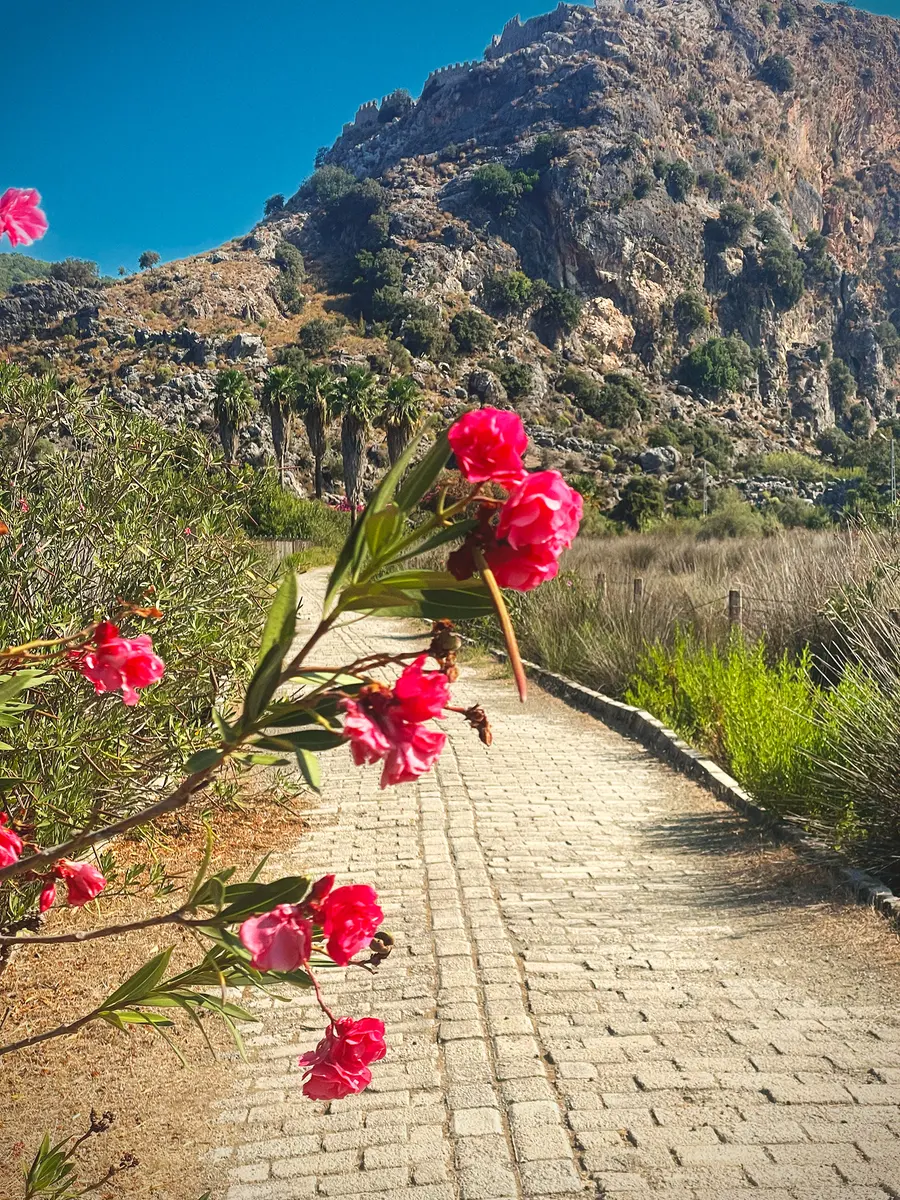
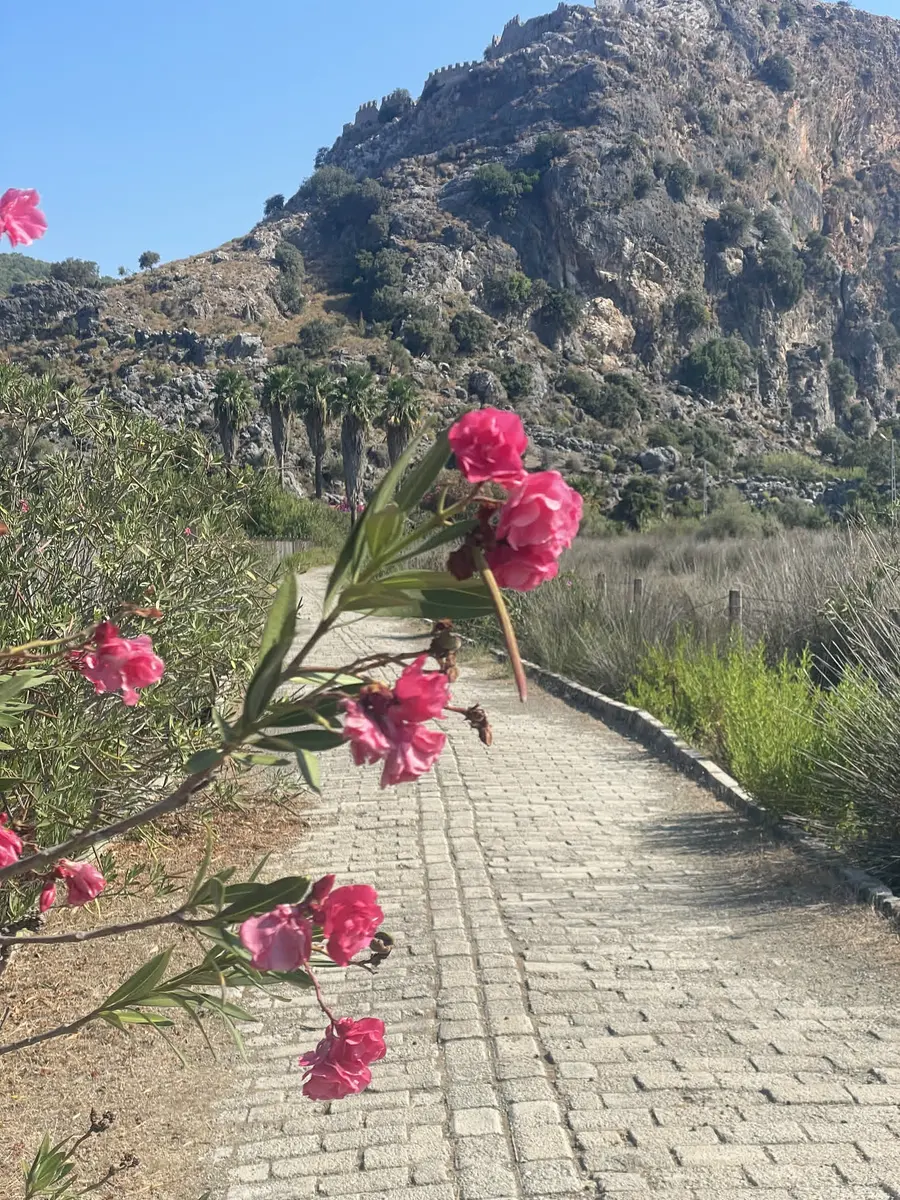 Desktop · Photoshop
“Give this a 1960s Kodachrome travel-postcard look: warm, saturated reds, a deep cyan sky, slightly faded blacks, a soft vignette and fine film grain.”
Nine named layers, grouped as “Kodachrome Postcard”.
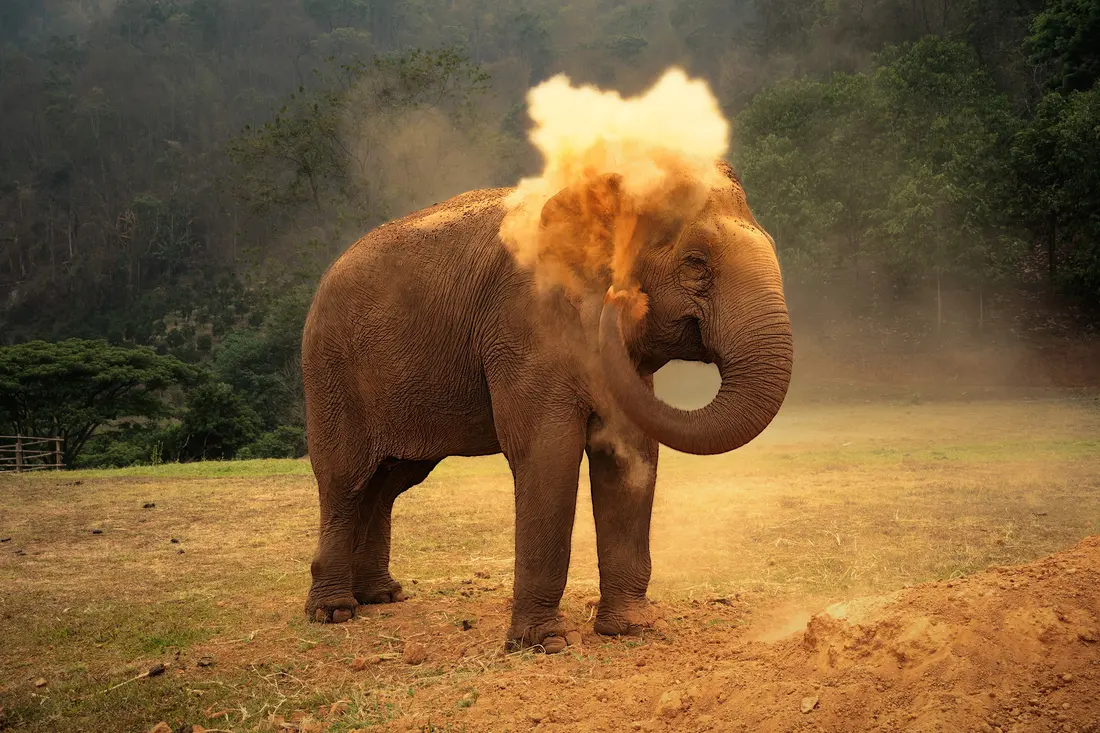
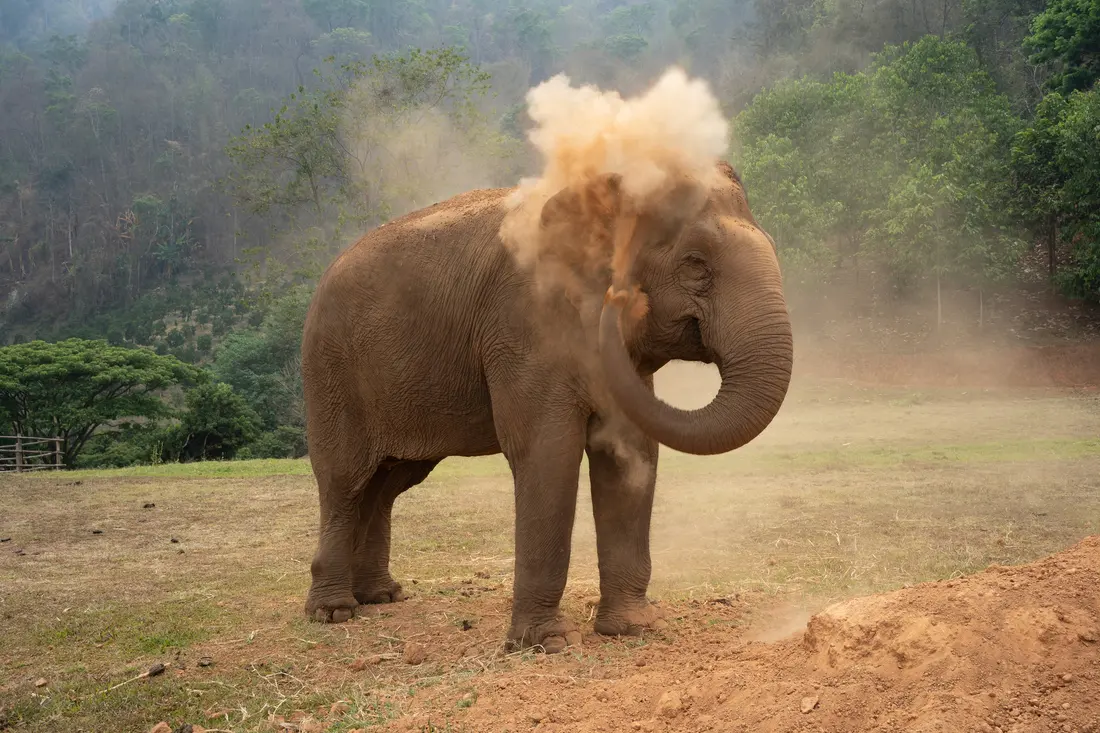 Connect
“Make it look like the last light of the day: warm the dust until it glows, darken the hills behind, and make the elephant stand out.”
Edited from a chat, on Editmamei’s server.· Photo: Signature Edits
 Connect
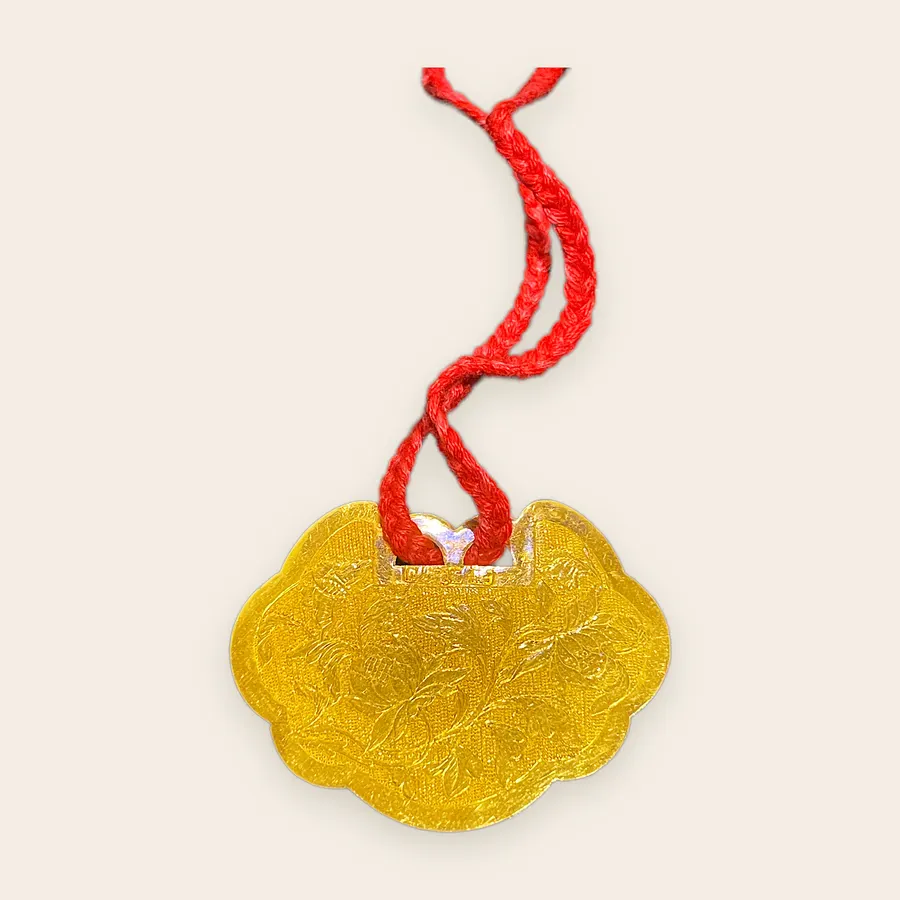
“Make this an Etsy listing photo.”
From a phone shot on a countertop to a square listing image.
More real edits, each with every step it took, are in the gallery.
A whole shoot
One sentence. Every photo.
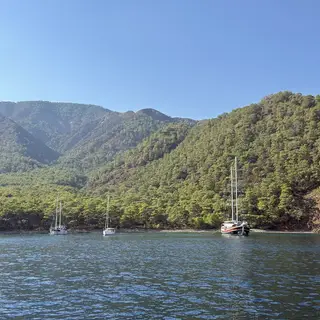
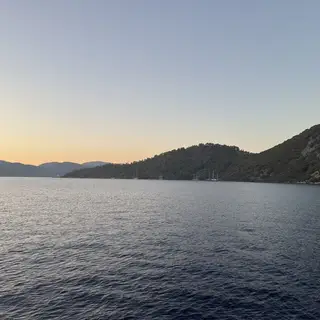
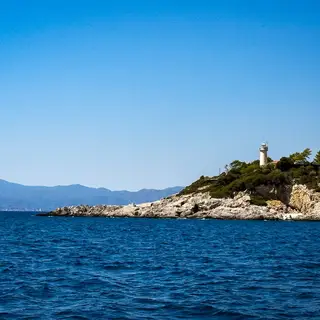
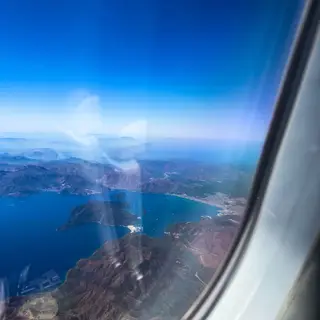
Hand it a trip's worth of photos and it grades each one in Photoshop, frame by frame, with the look fitted to that frame.
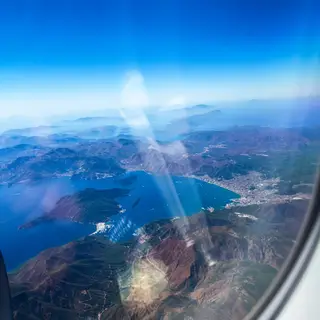
“I added a bunch of new Turkey photos and I want us to edit them all to the best we can.”
- Photos graded
- 73
- Sentences
- 1
- Looks
- 12
- Generated pixels
- 0
Desktop with Pro (Camera Raw). 47 of the 73 shown; photos with people are left out.


















































































Two ways in
Pick where you edit.
Same idea in both: you ask, your AI does the edit with real tools. The difference is where the editing happens.
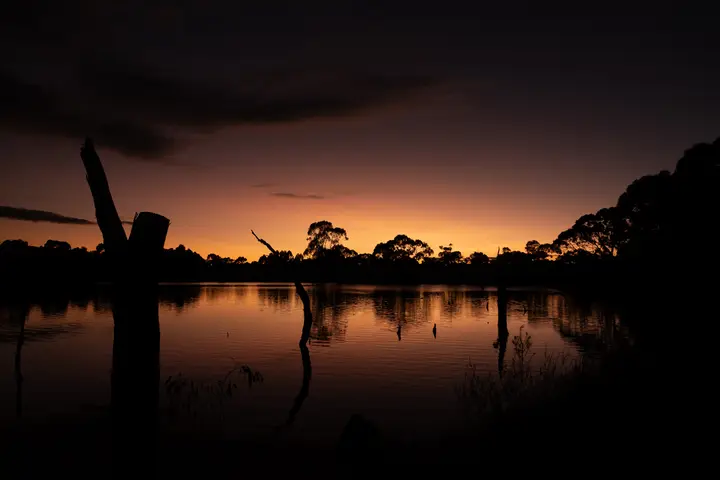



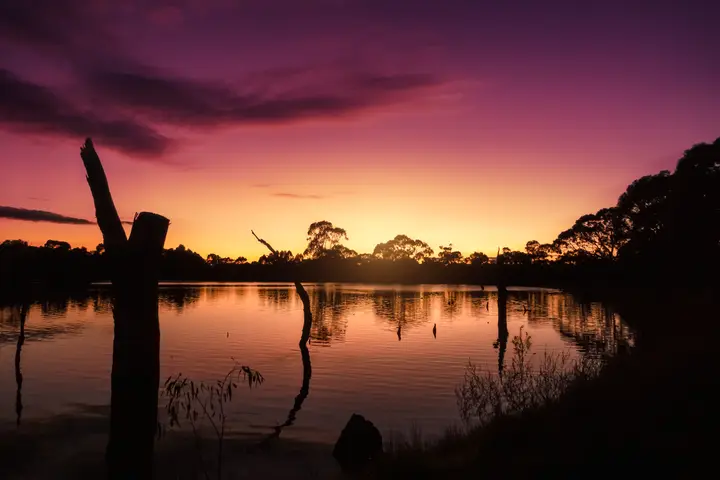




- Edits in
- Photoshop or GIMP, on your computer
- You get
- A layered file you can keep editing by hand
- Works with
- Claude Desktop, Claude Code, Cursor and more
- Price
- Free. Pro adds Camera Raw and whole-shoot tools.
- Edits in
- Editmamei's editor, on our server
- You get
- The finished photo, or a layered PSD
- Works with
- Claude, ChatGPT and other apps that add connectors
- Price
- 150 free credits to start, then packs from $7
Questions people ask first.
Do I need Photoshop?
No. Connect edits on Editmamei's server, so all you need is an AI app that supports connectors. Desktop uses the editor on your own computer: Photoshop 2026 or later, or GIMP 3.2 for free.
What does it cost?
Desktop is free. Pro adds Camera Raw developing, templates and whole-folder batches for $9 a month (early-adopter rate), $79 a year, or $199 once. Connect starts you with 150 free credits, plus up to 50 more each month; after that, credit packs start at $7.
Which AI apps work?
Desktop works in apps that run tools on your computer, like Claude Desktop, Claude Code and Cursor. Connect works in apps that add connectors with a sign-in, like Claude and ChatGPT.
More in the FAQ and on the pricing page.